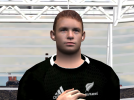
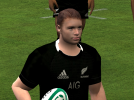
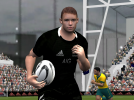
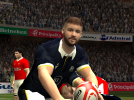
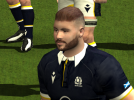
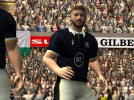
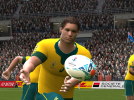
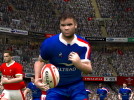
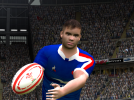
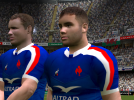
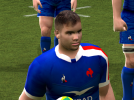
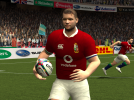
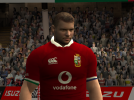
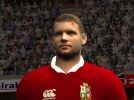
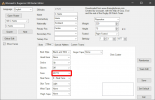
Mentioned elsewhere in this thread, you have to download a roster editor (Woosah's roster editor is what most use) and edit your roster player's face ID number to match the ID of the custom face file downloaded from here. Add the custom face file into the root directory of Rugby 08 (ie not in "my documents").
I don't think there's a vidoe sorry. What you need to change is the value in this picture:
A tip from me would be un-tick the "Show Faces" box on the left when you first open the editor as the image system don't work properly, it causes some weird bugs when editing players. Also only edit/save one player at a time, then close the editor and check the in-game player/custom head works for you. The editor can sometimes change players skin colour and special skillls on its own, so check these before saving to your roster.


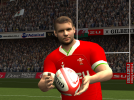
 ) replaces Conrad Smith, ID 16697, file name 7503b8d51c3aecd73ba8e223a78826c3.big